Support
Supportablauf und Problemlösung
Schritt-für-Schritt-Ablauf: Ticket-Erstellung, Prüfung reproduzierbarer Beweise, Ersatzlieferung oder Gutschrift.
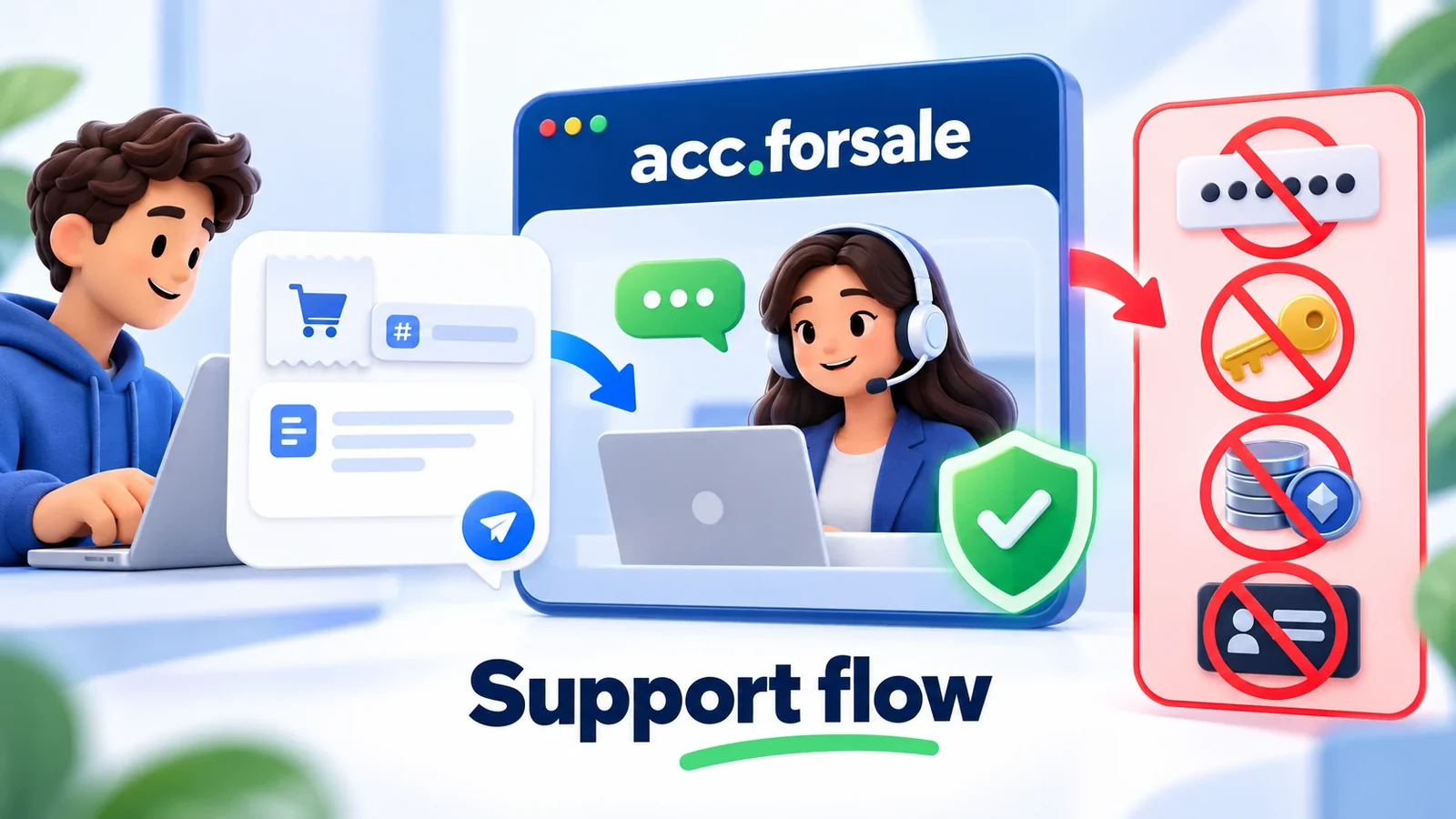
Support Flow & Issue Resolution
Our structured four-stage support workflow ensures that every technical issue is investigated with objective data and resolved quickly without compromising sensitive credentials.
Step 1: Open a Ticket with Required Identifiers
- Access the order detail page at
/account/orders/{order_id}or use the/paysupport//supportcommands in our Telegram bot. - Provide your exact 26-character Order ID and select the issue category (e.g. initial login error, missing 2FA code, specification mismatch).
- Describe the discrepancy concisely with approximate timestamps.
Step 2: Objective Technical Diagnostics
- Support cross-checks your inquiry against the automated delivery logs, upstream supplier batch statuses, and platform health telemetry.
- Fail-Closed Security Check: You may be asked to provide a screenshot showing the platform error banner. Do NOT share passwords or seed codes. Ensure all sensitive strings are obscured.
Step 3: Fast Remediation (Replacement or Troubleshooting)
- Direct Replacement: If an initial defect is validated within the inspection window, our system provisions a fresh replacement item within 2 to 12 hours.
- Configuration Assistance: If the issue stems from incorrect cookie importing, proxy DNS leaks, or user software settings, our team provides specific operational steps.
Step 4: Resolution Confirmation and Ticket Closure
- The customer tests the replacement or applied resolution.
- Upon successful verification, the ticket is formally resolved. If replacement stock is exhausted, the order is credited or refunded as per our Refund Policy.